
Artificial Intelligence (AI)
AI Safety Myths in Community & Health Services: What Encryption, Copilot, and “Enterprise AI” Really Mean
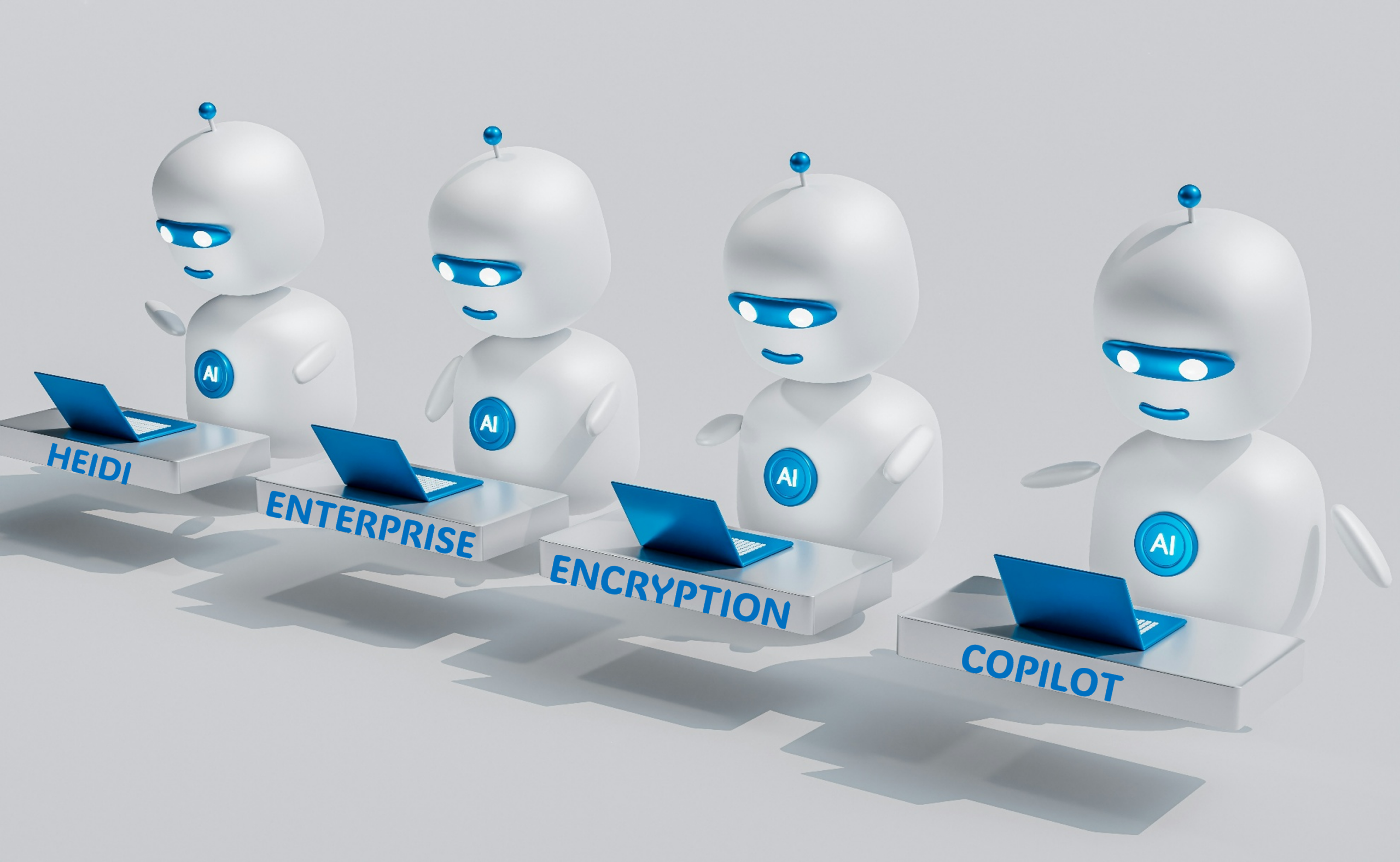
Across New Zealand, community, disability, and health organisations are rapidly adopting AI tools often without fully understanding the risks. Staff frequently assume that if a tool is “encrypted,” “Microsoft‑based,” or “HIPAA‑compliant,” then it must be safe for case noting.
Unfortunately, none of these assumptions are true.
This blog breaks down the most common myths your teams hold, using current evidence from Microsoft and security researchers.
Myth 1: “If it’s encrypted, it’s safe for case noting.”
Encryption is important but it only protects data in transit and at rest.
It does not protect against:
- entering too much client detail
- storing data offshore
- tools using your data to train models
- misconfigured permissions
- cultural safety risks
- hallucinations or inaccuracies staff accidentally exposing sensitive information
Microsoft confirms that Copilot uses encryption but still requires strong governance, identity controls, and data classification to prevent exposure of sensitive information.
Encryption ≠ compliance.
Encryption ≠ safe practice.
Encryption ≠ clinical judgement.
Myth 2: “Microsoft Copilot is automatically safe because it’s part of Microsoft Office.”
This is the most widespread misconception in the sector.
Reality: Copilot is only safe when used with enterprise licensing and correct configuration.
Microsoft states that Copilot inherits your organisation’s existing permissions, data exposure, and configuration issues – meaning if your Teams, SharePoint, or OneDrive are misconfigured, Copilot will surface sensitive information accordingly.
Copilot is only considered enterprise‑secure when:
- the organisation has Microsoft 365 E3/E5 or Business Premium
- Copilot is licensed as Copilot for Microsoft 365
- admins have configured Data Loss Prevention (DLP), sensitivity labels, conditional access, Multi-Factor Authentication (MFA), and audit logging
- data classification is in place
- access permissions are tightly governed
Security researchers warn that Copilot can expose sensitive information if organisations have overshared files, weak identity controls, or misconfigured access structures.
If a non‑profit is using:
- free Microsoft accounts
- personal Microsoft accounts
- the Edge sidebar Copilot
- Bing Chat
- trial versions
- Microsoft 365 without enterprise governance
→ Copilot is not safe for case noting.
Myth 3: “Enterprise just means the paid version.”
No – “enterprise” is not a marketing term.
It is a technical and legal standard.
Enterprise AI means:
- data stays inside your organisation’s tenant
- prompts and responses are not used to train public models
- data residency and compliance boundaries apply
- audit logs are available
- identity controls (MFA, conditional access) are enforced
- administrators can restrict or monitor use
- contractual protections apply (Data Processing Agreements (DPAs), breach notifications, audit rights)
Microsoft confirms that Copilot for Microsoft 365 (enterprise) is compliant with enterprise privacy and security commitments, including General Data Protection Regulation (GDPR) and data residency boundaries, and does not use customer data to train foundation models.
Anything outside this environment is not enterprise AI.
This includes:
- ChatGPT (free or Plus)
- Gemini
- Copilot (free with Office 365)
- Otter.ai
- Fireflies
- Zoom AI Companion
- “AI note‑taking” apps
- “HIPAA‑compliant” AI startups
These tools lack the governance, contractual protections, and tenant isolation required for client information.
Myth 4: “HIPAA‑compliant AI tools are safe for New Zealand.”
Many vendors market themselves as “HIPAA‑compliant”, but:
- HIPAA is a US‑only standard
- it relies on a US-only legal framework
- it does not meet New Zealand Privacy Principles
- it does not meet NDIS Practice Standards
- it does not address indigenous data sovereignty
- it does not guarantee safe AI behaviour
- it does not prevent offshore storage
HIPAA compliance simply means the vendor can sign a Business Associate Agreement, not that the tool is safe for case noting and other client-related data functions.
Myth 5: “Transcription tools like Otter.ai or Fireflies are safe if the meeting is private.”
Transcription tools are among the highest‑risk AI tools because:

- audio is inherently identifiable
- transcripts often include names, family relationships, risk disclosures
- vendors may store audio offshore
- some tools use data to improve their models
- they integrate with calendars and contacts
- they create large, sensitive datasets without client consent
Security research shows that AI copilots and transcription tools can expose sensitive data if organisations lack strong governance or if permissions are misconfigured.
For community and health agencies, this makes them unsuitable for client sessions or case noting.
Myth 6: “AI tools won’t show me anything I shouldn’t see.”
Copilot and similar tools inherit your organisation’s permissions.
If your Teams or SharePoint environment is overshared as they often are, Copilot can legitimately surface:
- old case notes
- HR files
- sensitive documents
- private emails
- financial data
Security experts warn that excessive access is the top risk, and Copilot will surface whatever the user is technically allowed to access even if they shouldn’t have that access in practice. (Microsoft outlines the security model for Copilot for Microsoft 365 in its official documentation.
This is why governance, not the AI tool itself, determines safety.
Myth 7: “AI is safe if we trust the vendor.”
Even trusted vendors can fail.
Security researchers documented multiple incidents where Microsoft AI systems exposed sensitive data due to misconfigurations, including a 38TB data leak on GitHub .
This reinforces a critical truth:
- Vendor trust does not replace governance.
- Non‑profits must assume that any external tool, even a reputable one, can fail without proper controls.
So What Is Safe for Case Noting?
Based on current evidence:
Safe (with strict controls):
-
Microsoft 365 Copilot (enterprise)
-
Only with de‑identified information
-
Only with correct governance (DLP, labels, MFA, audit logs)
Not safe:
- ChatGPT (any version)
- Gemini
- Claude (free or paid)
- Otter.ai
- Fireflies
- Zoom AI Companion
- Any “AI note‑taking” app
- Any tool without enterprise licensing and governance
Why?
Because none of these tools provide:
 tenant isolation
- contractual protections
- data residency guarantees
- audit logs
- identity controls
- cultural safety safeguards
- compliance with NZ privacy law
Conclusion: AI Safety Requires More Than Encryption or a Microsoft Logo
The biggest risk in the sector right now is false confidence.
Staff believe AI tools are safe because:
- they’re encrypted
- they’re Microsoft‑branded
- they’re “HIPAA‑compliant”
- they’re convenient
- they “feel private”
But the evidence is clear:
AI is only safe for case noting when used inside a properly governed enterprise environment and only with de‑identified information.
For non‑profits without enterprise licensing, the safest position is:
-
Use AI only for de‑identified drafting support
-
Never enter identifiable client information
-
Never use transcription tools for client sessions
-
Build governance before adoption (see our previous article on Responsible Governance)